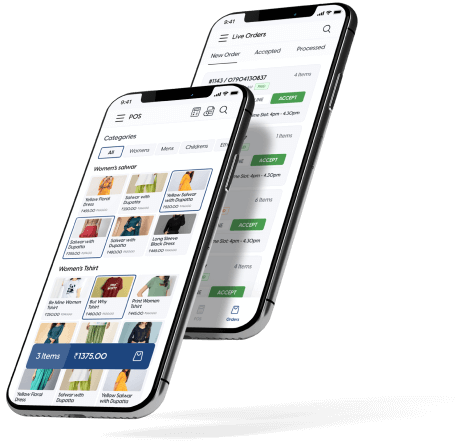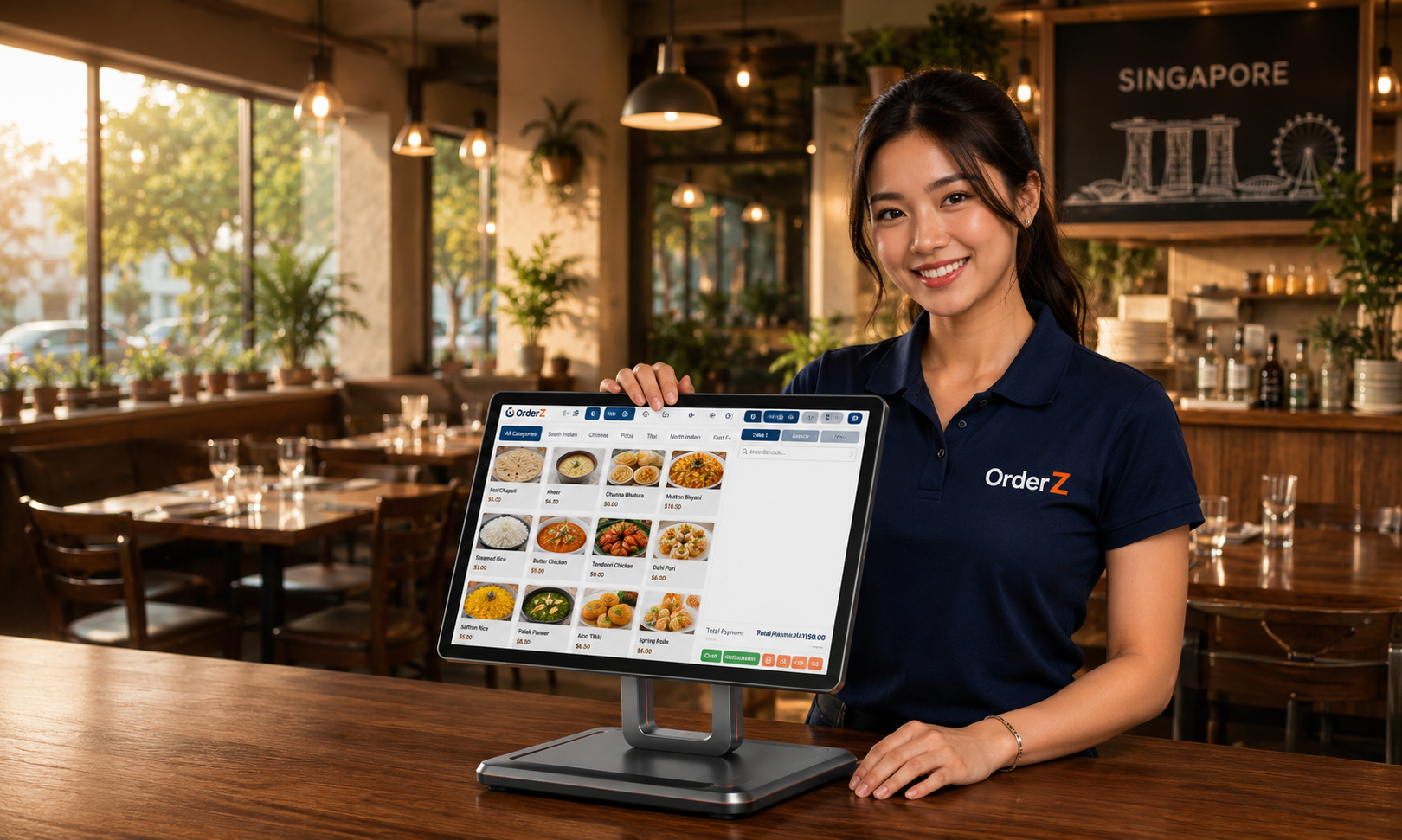
OrderZ POS handles table orders, split bills, PayNow & NETS payments, and kitchen printing on one fast terminal. Built for busy service — no lag, no downtime, no confusion at the counter.
A table of five paying three different ways — card, PayNow, cash — takes your staff out of service for five minutes every time. A POS that handles split bills and mixed payments in one clean sequence keeps the close fast without cutting corners.
PayNow confirmation on the phone, card receipts in a drawer, cash counted by hand — every night you spend thirty minutes reconciling three separate records. A POS that captures every payment type in real time produces a single report at close.
Last Thursday dinner service — how many covers, what was the average spend per table? Without a daily report, those questions are answered by memory. A daily covers and revenue report means every decision is based on actuals.
Assign items to tables on the POS screen. Split the bill by amount, by item, or by cover — the POS handles the arithmetic. Total per split includes GST automatically.
Each payment in the split is accepted at the same terminal in sequence. PayNow QR displays automatically for digital payers. No separate card machine, no manual entry.
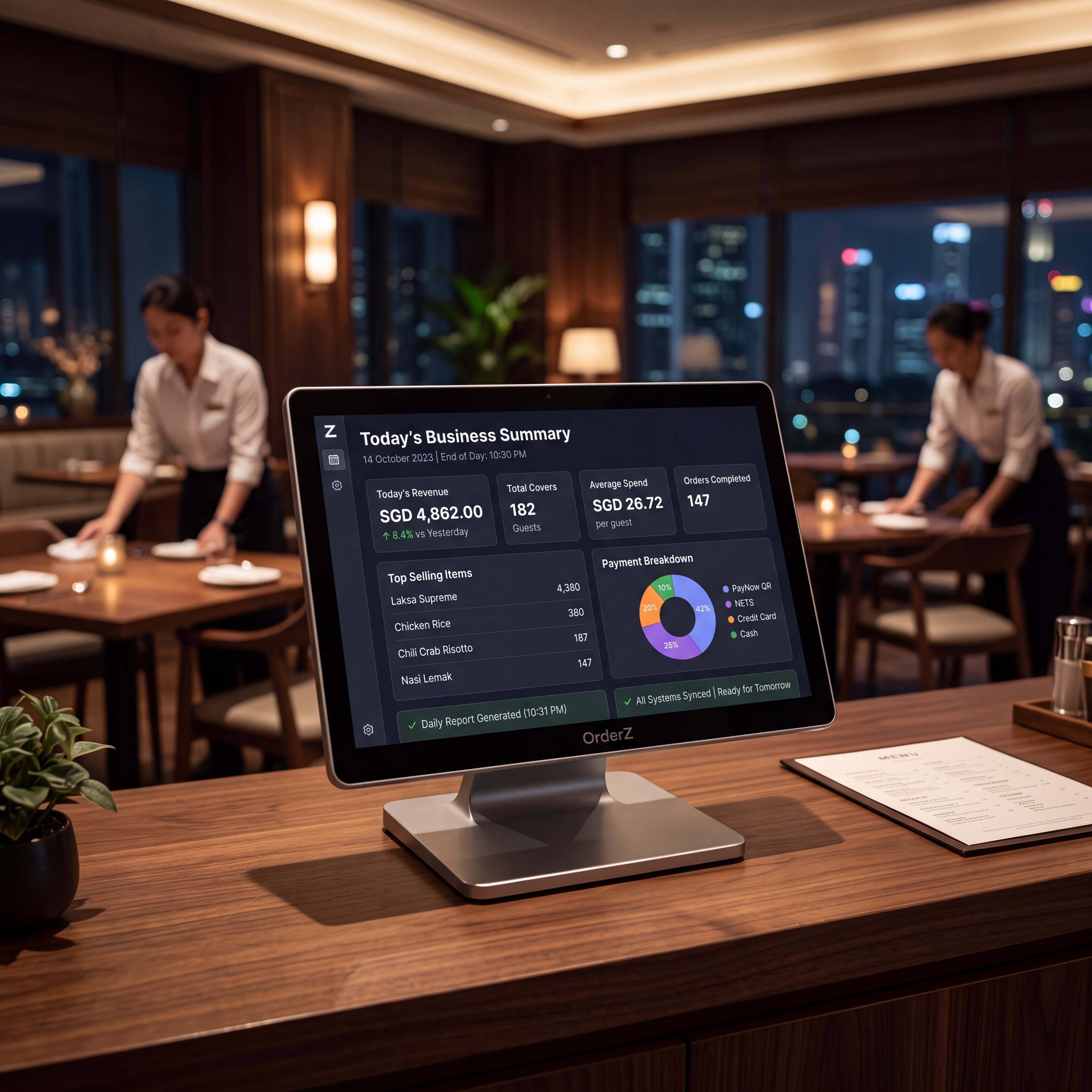
Revenue, cover count, average spend per table, top-selling items, and payment breakdown — generated at end of service. No manual counting, no spreadsheet.
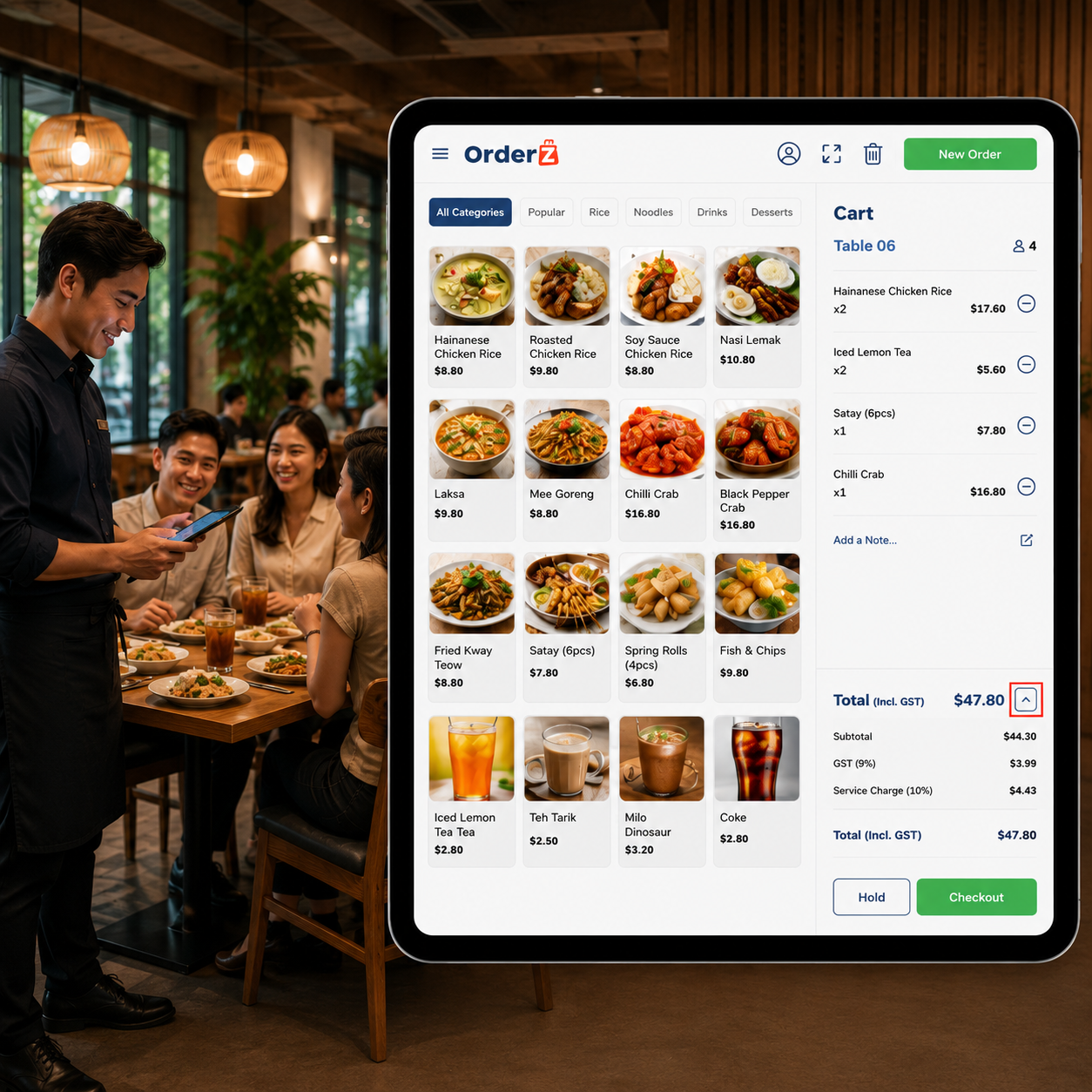
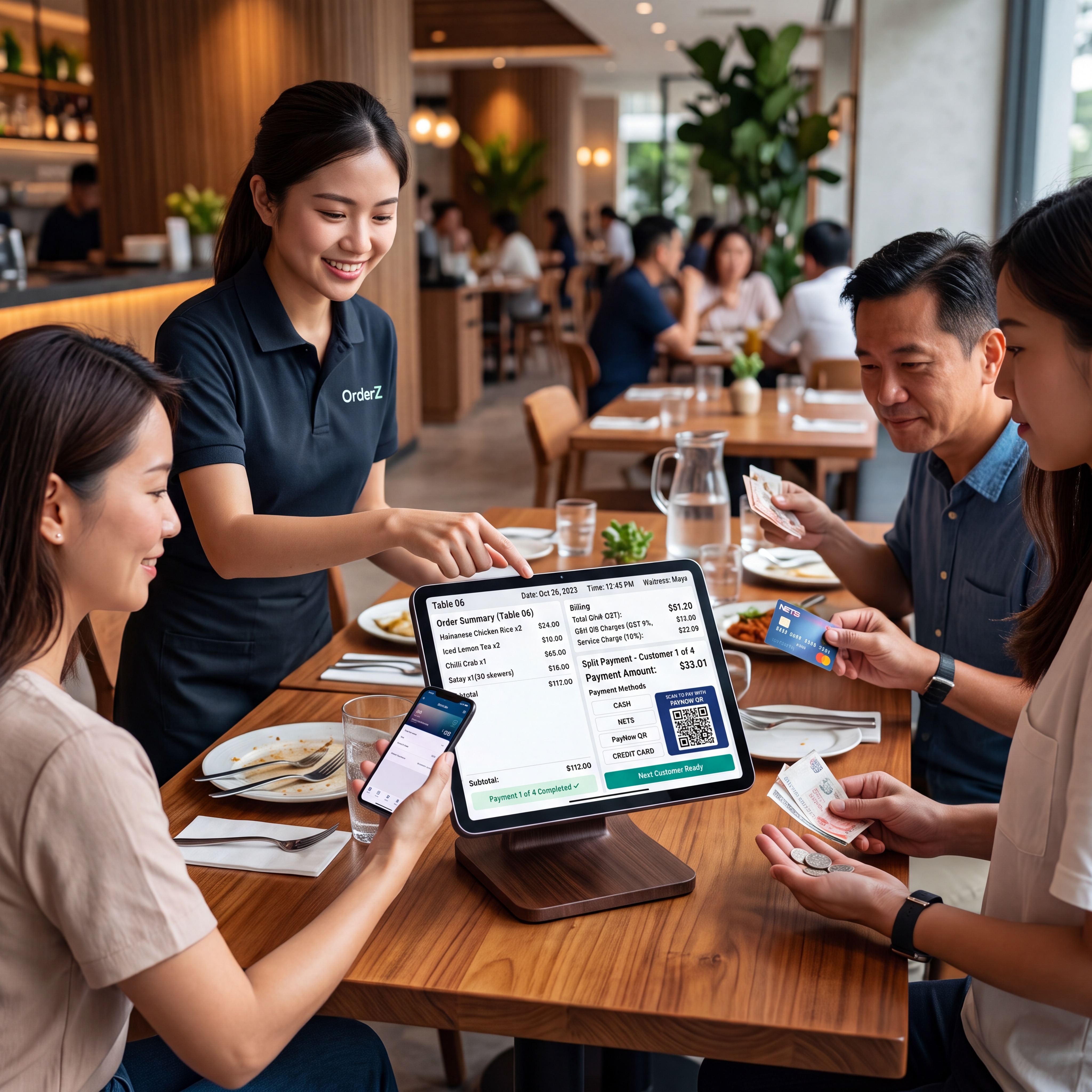
Open tables, assign items, split by amount, by item, or by cover. Mixed payment methods handled in one clean POS sequence.
PayNow, NETS, cash, and card from one terminal at every table. Every transaction recorded by payment type in real time.
Revenue, cover count, average spend per table, top-selling items, and payment breakdown — generated automatically at close.
Your table POS is the foundation. Every module below connects to the same system when you are ready — no migration, no new account, no data loss.
Orders route from the table to the kitchen screen the moment they are placed. Course sequencing and table priority managed automatically.
Guests scan, browse, and place orders from their phones. Staff focus on service, not order-taking. Orders go directly to the kitchen display.
Take bookings online or by phone. Reservations map to your table layout and connect directly to the POS.
Build guest profiles from transaction history. Return visit tracking, spend per cover, and preference notes — all connected to your POS data.
Running more than one restaurant location? Revenue, covers, and performance across every outlet from one screen.
When bill splitting and mixed payment are handled in one POS sequence, the billing step is the same speed whether a table pays as one or splits six ways.
Every payment is recorded in real time by type. Expected float calculated automatically at close. Your daily reconciliation becomes a two-minute review of a single report.
Covers, average spend per table, revenue by time period, and top-selling items are waiting in your daily report before each service.
Real stories. Real results. Real businesses.
Testimonials are placeholders pending written client sign-off.
Yes. OrderZ handles split bills by amount, by item, or by cover — and accepts mixed payment methods within the same bill split. The POS handles all arithmetic automatically.
The best restaurant POS handles split bills cleanly, accepts PayNow and NETS at the table, and generates an automatic daily covers and revenue report. OrderZ does all three.
Most restaurants are live on OrderZ within one working day. The Singapore team handles hardware, menu loading, and on-site staff training.
Yes. The POS terminal continues processing transactions offline and syncs automatically when connectivity is restored. A connection drop does not interrupt service or lose any transaction data.
Yes. GST-compliant receipts print automatically in under two seconds for every transaction, including individual split receipts. Tax rates are configurable.
Yes. Your table POS is the foundation. Kitchen display, reservation management, customer CRM, QR self-ordering, and online ordering all connect to the same system when you are ready.
Yes. OrderZ supports multiple restaurant locations from one account. Revenue, covers, and performance across all outlets are visible from a unified dashboard.