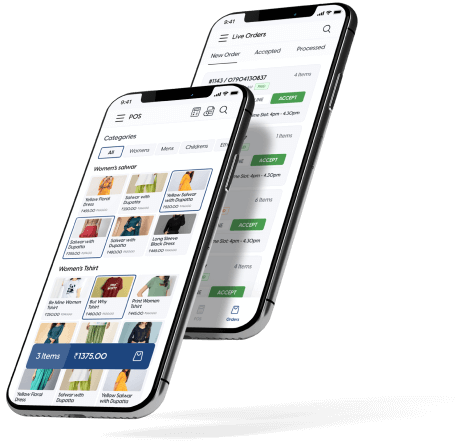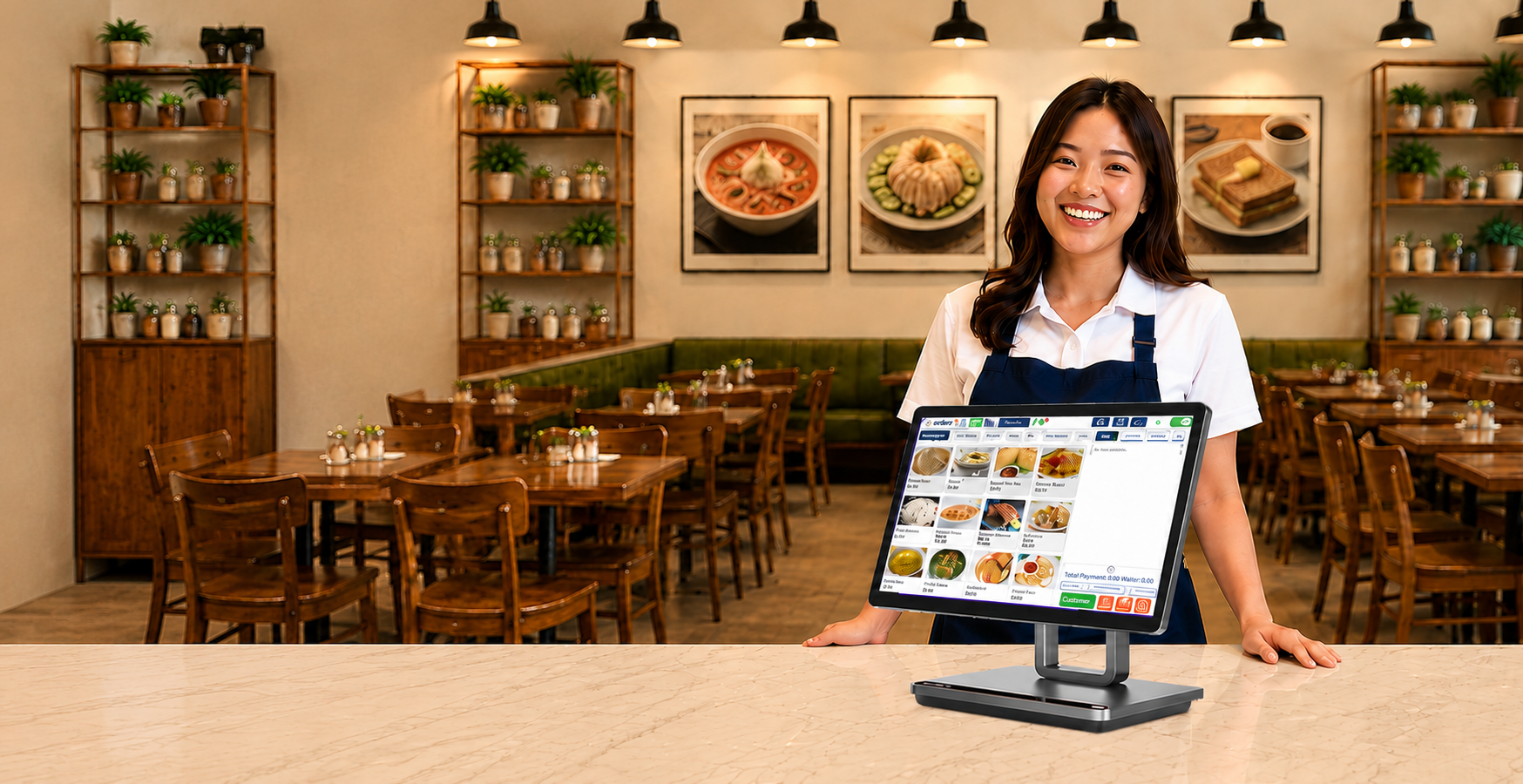
OrderZ gives full-service restaurants one platform for table management, QR ordering, kitchen display, smart billing, inventory, and live reporting. Set up in days. Used by Singapore restaurants from the first service.
A handwritten ticket passed from waitstaff to kitchen is a point of failure every service. Modifier not legible. Special request not relayed. Digital order flow eliminates the relay entirely.
Full-service restaurants have complexity a basic counter POS can't handle — table assignments, course sequencing, modifier capture, and bill splitting across guests. OrderZ handles every complexity without slowing the team down.
When your booking system doesn't connect to floor management, your team walks into every peak service without knowing what's coming. Integration turns peak hour from a reaction into a plan.
A kitchen that discovers mid-service it's out of a key ingredient has a reputation problem, not just a stock problem. Real-time inventory shows a low-stock warning before you hit zero.
POS on one system, online orders on a tablet, reservations in a third app, inventory in a spreadsheet — every disconnected point is a point where something gets missed or reconciled too late to act on.
A restaurant that only sees sales data the morning after service can't adjust during service. Live reporting that updates with every order gives management the visibility to act in real time.
Every item, modifier, dietary note, and course instruction is captured digitally — no transcription error, no missed special request, no verbal relay between floor and kitchen.
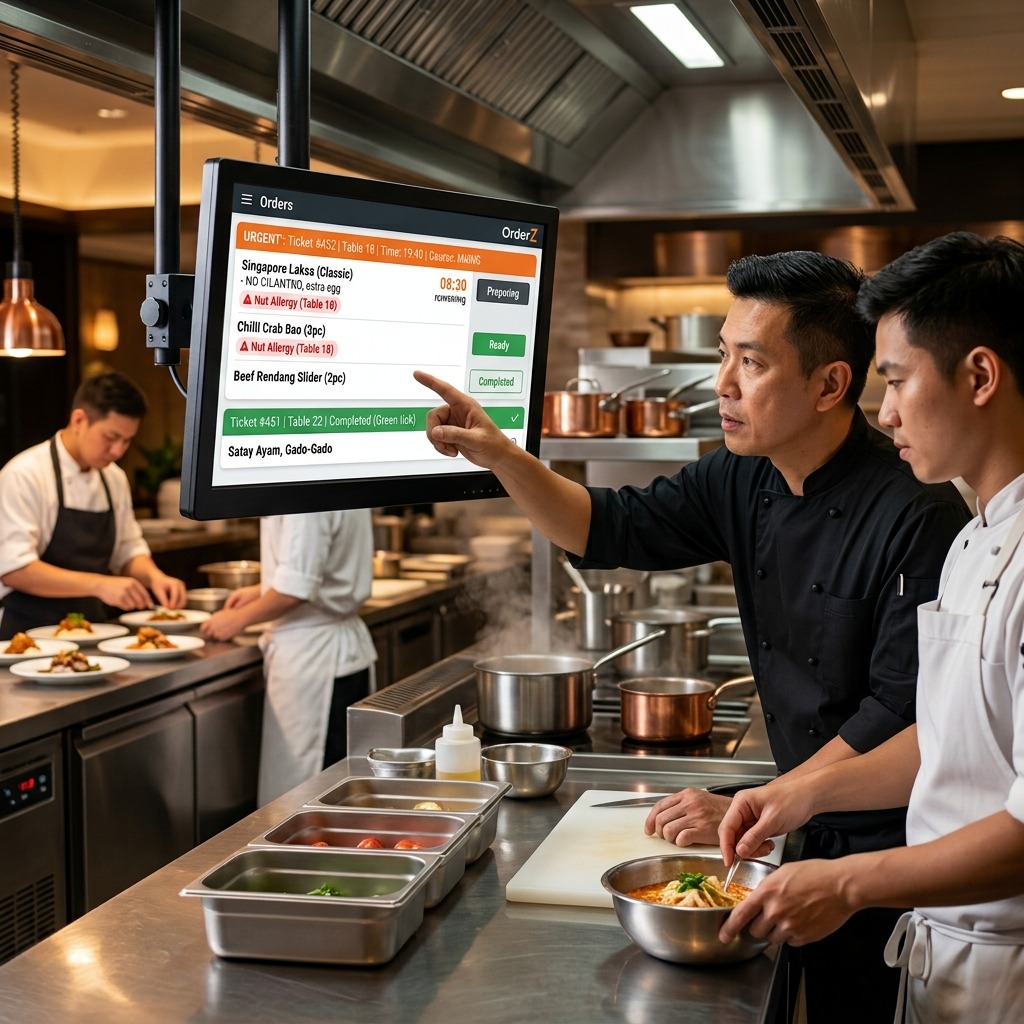
Your kitchen team sees every ticket in sequence as it arrives — no paper, no shouting across the pass, no missed orders during a full-house service.
No manual arithmetic. No waiting for manager approval on a split. The table closes in under two minutes and the next guests are seated without delay.
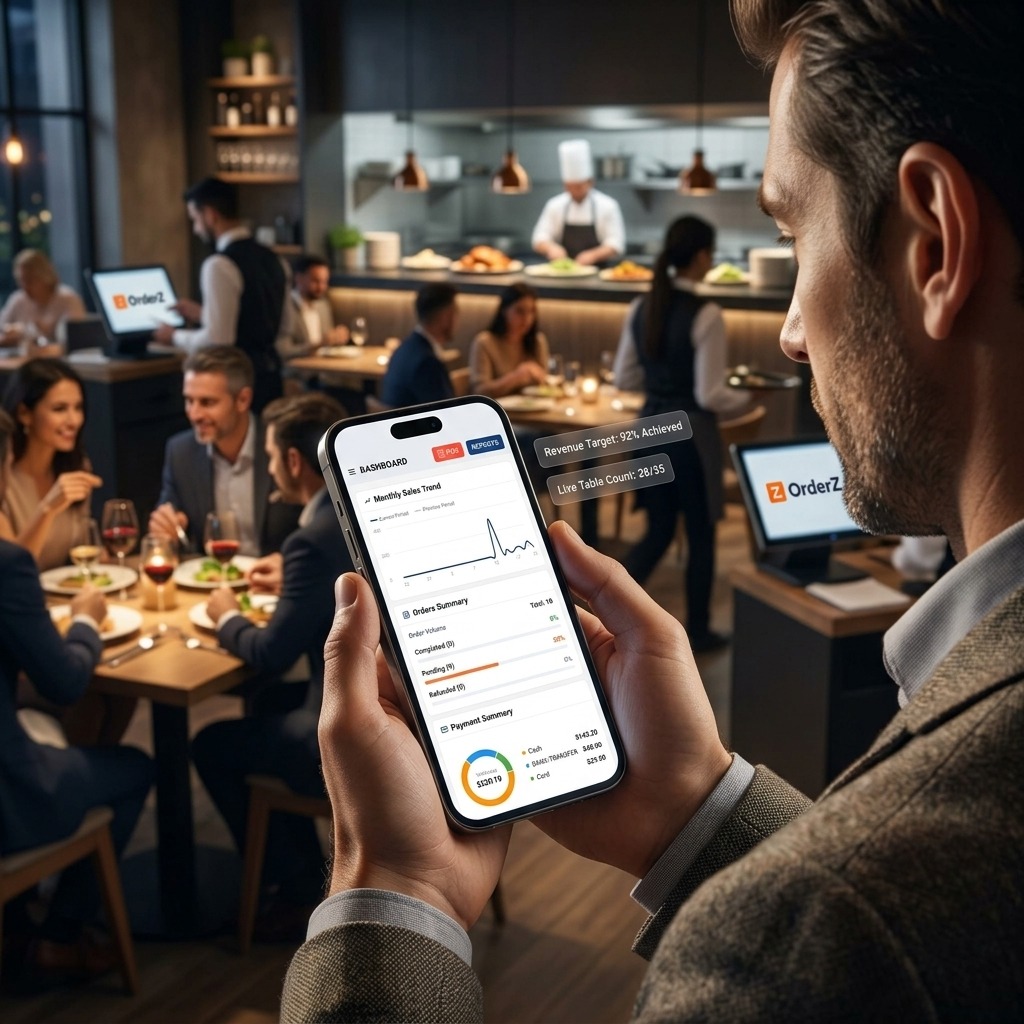
Every order placed updates your sales report, dish performance, and inventory in real time — visible from your phone, from anywhere in the restaurant.
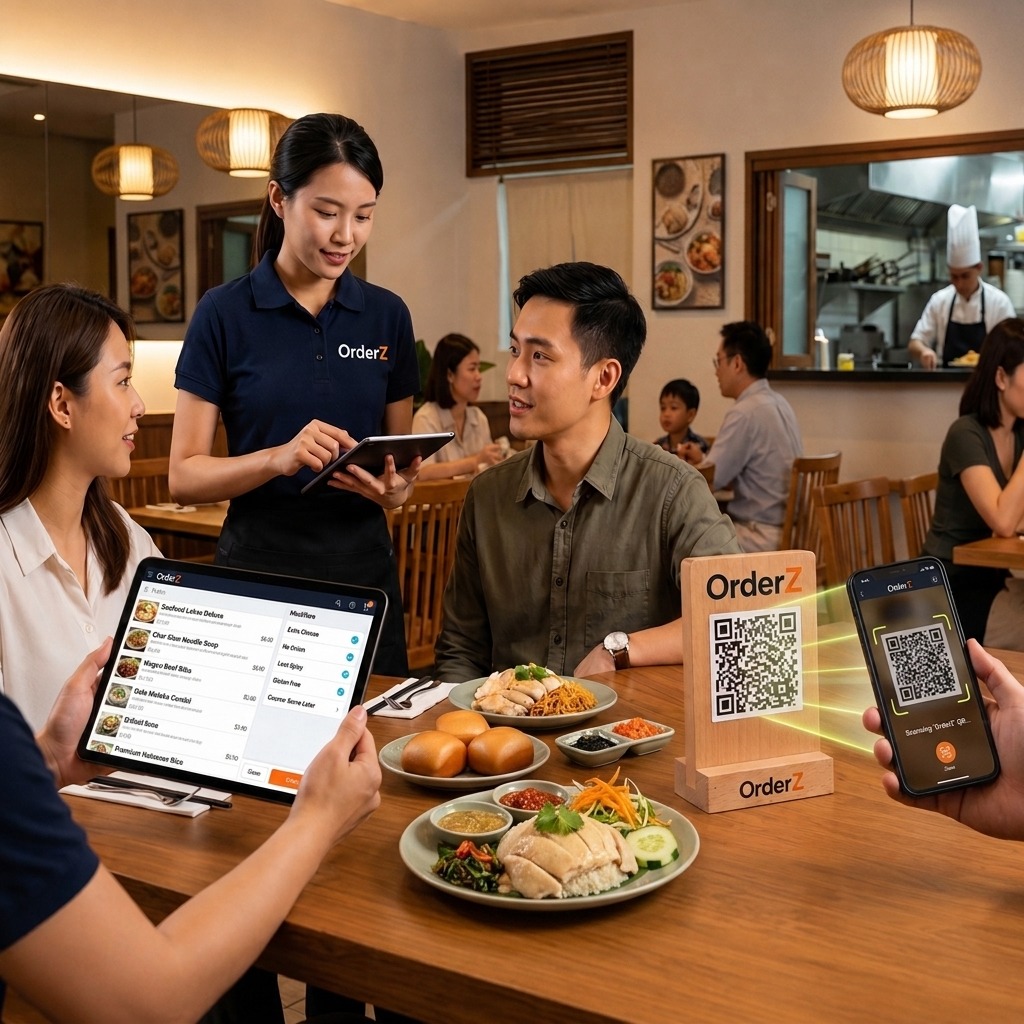
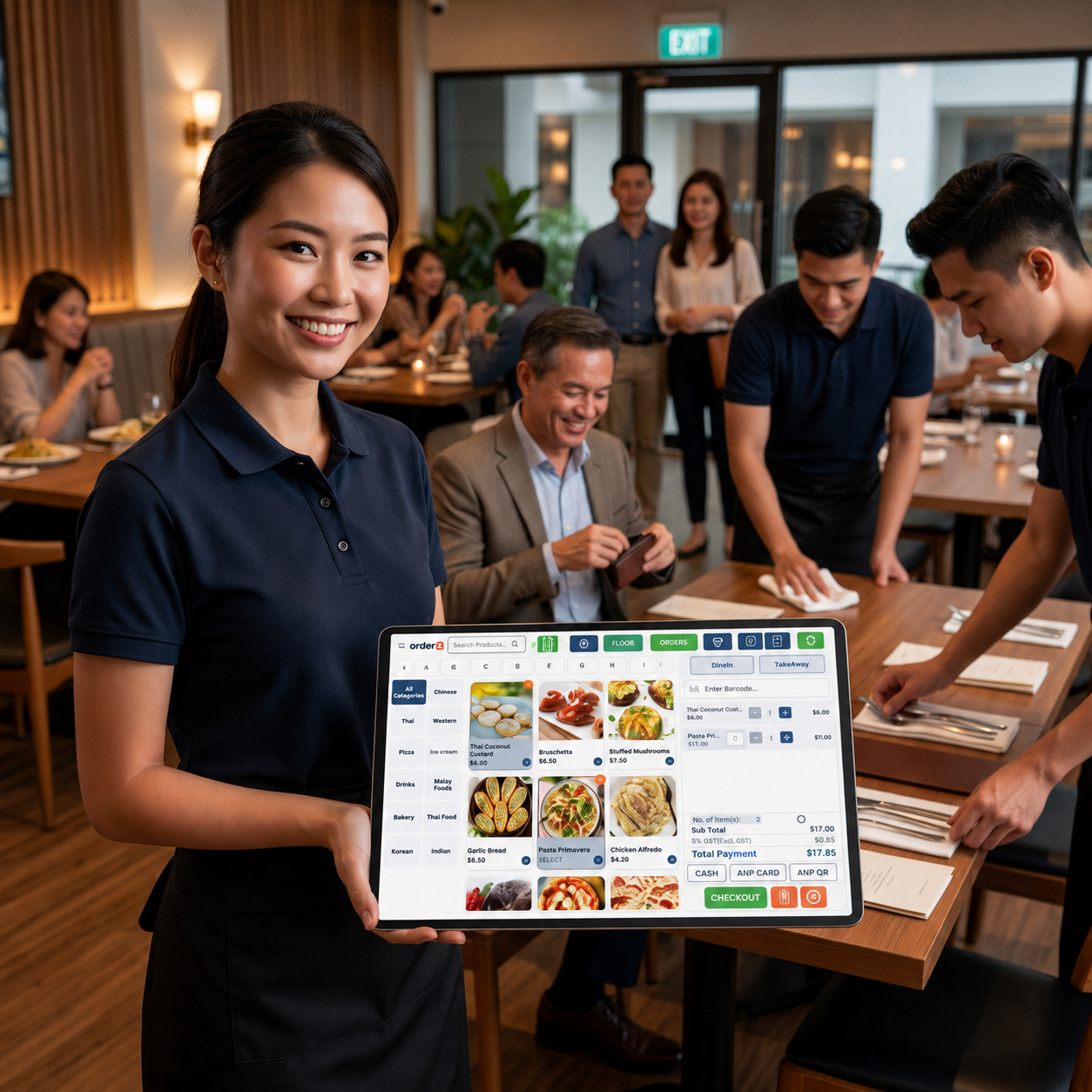
Full floor plan management with digital table assignment. Guests order from QR menus at the table — orders fire to the kitchen instantly, without waitstaff relay.
Full modifier capture, dietary notes, course sequencing, and multi-guest bill splitting — in a POS built for full-service restaurant complexity.
Every order appears on the kitchen screen the moment it's placed, in sequence, in real time. No paper tickets. No missed items. No shouted corrections across the pass.
Accept takeaway and delivery orders through your own branded, commission-free channel — synced to your POS and kitchen display without a separate tablet.
Manage table reservations and walk-in waitlists in the same system as your floor plan. Covers are paced to match kitchen capacity on every service.
Stock levels update in real time with every order placed. Low-stock alerts stop you running out mid-service. Supplier order histories tracked in one place.
Revenue by dish, table, time slot, and staff member — updated live after every order. No end-of-day preparation needed. Your numbers are always current.
Diner profiles and visit history captured automatically. Run loyalty programmes and targeted re-engagement for guests who haven't returned recently.
Not sure if your specific restaurant setup is covered? Talk to the team — most restaurants are live on OrderZ within two to three working days.
| Restaurant Type | What OrderZ covers for this type |
|---|---|
| Fine Dining | Course management, table-side ordering, sommelier notes, and guest preference tracking for premium dining experiences. |
| Casual Dining | Table QR ordering, group bill splitting, and kitchen routing for relaxed full-service restaurants. |
| Family Restaurants | Fast, accurate billing for large tables, kids menu modifiers, and high-volume weekend service management. |
| Bistros & Cafes | Combined counter and table service, all-day menu management, and loyalty integration for neighbourhood regulars. |
| Hotel Restaurants | Room charge integration, multi-outlet reporting, and table reservation management for hotel F&B operations. |
| Multi-Outlet Groups | Centralised menu control, outlet performance dashboards, and consolidated inventory management across all locations. |
Every order goes from the table directly to the kitchen display the moment it's placed — no paper tickets, no verbal relay, no missed modifiers. Restaurants that switch to OrderZ consistently report an immediate and sustained drop in kitchen errors and re-fire requests.
GST, service charge, split billing, and payment processing are handled in a single checkout flow. Tables that used to take ten to fifteen minutes to close now close in under two minutes.
Table assignments, order flow, kitchen display, inventory deductions, and revenue reporting all connect automatically. One system gives you one accurate picture of your restaurant at all times.
OrderZ reports revenue by dish, table, time slot, and staff member — updated live after every order. Decisions take seconds to access, not hours to compile from paper records or spreadsheets.
Real stories. Real results. Real businesses.
Testimonials are placeholders pending written client sign-off.
OrderZ is built specifically for Singapore restaurants, combining table management, QR ordering, kitchen display, smart billing, inventory, and real-time reporting in one platform. Restaurants using OrderZ report reduced kitchen errors, faster table turnover, and accurate inventory visibility from the first week of service — without needing separate tools for each operational function.
Yes. OrderZ supports both table-side QR ordering and POS terminal ordering in the same service. All orders from both channels go to the same kitchen display and are captured in the same dashboard. Restaurants commonly use QR ordering for drinks and starters while waitstaff manage main course ordering on a POS terminal — both flows work together without any conflict.
Yes. Reservation management and walk-in table assignment are both handled within OrderZ. Your floor plan updates in real time as tables are seated, reserved, or cleared. Reservations are visible alongside live floor status so your host team can always see which tables are coming up and plan seating accordingly.
OrderZ handles split billing by seat, by item, or by custom split across any number of guests at the table. Bills can be transferred between tables mid-service without closing and reopening an order. All splits are calculated automatically, including proportional service charge and GST, so checkout is fast and accurate for every configuration of guests and payment.
Yes. All order sources — QR table menus, counter POS terminals, and online ordering — flow to the same kitchen display in OrderZ. Orders appear in the sequence they are placed, regardless of which channel generated them. Kitchen staff see one unified order stream without monitoring multiple screens or toggling between systems.
Yes. OrderZ generates GST-compliant receipts automatically for every transaction, with the correct tax rate applied and clearly displayed. Service charge and GST calculations are automatic and configurable to your specific setup. All billing records are stored and exportable for accounting and IRAS reporting.
Modifiers in OrderZ are configured as part of your menu setup — including add-ons, substitutions, portion sizes, and free-text special request fields. When a guest adds a modifier via QR menu or through a POS order, the modifier is attached to the item and appears on the kitchen display exactly as specified.
Yes. OrderZ tracks ingredient-level inventory and deducts stock in real time as each dish is ordered. You can configure stock alerts at any threshold — for example, a low-stock warning when a key ingredient drops below a set quantity. Supplier orders can also be tracked within the system.
Most full-service restaurants are live on OrderZ within two to three working days. Setup includes menu configuration, floor plan setup, POS terminal installation, kitchen display setup, and full staff training — all completed by the local Singapore support team on-site.
Yes. Multi-outlet management is a core feature of OrderZ. You can run a central menu across all outlets while allowing outlet-specific pricing where needed. Revenue, kitchen performance, and stock levels are visible across all locations from one dashboard. Opening a new outlet adds it to the same account — no data migration or separate subscription required.