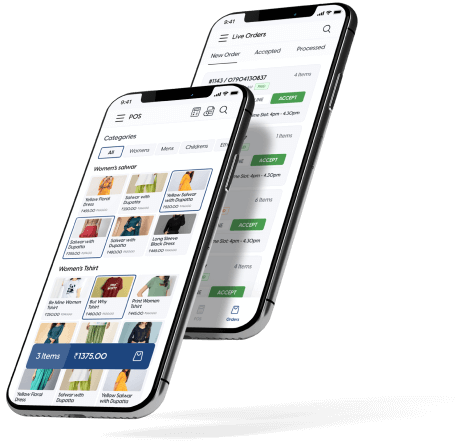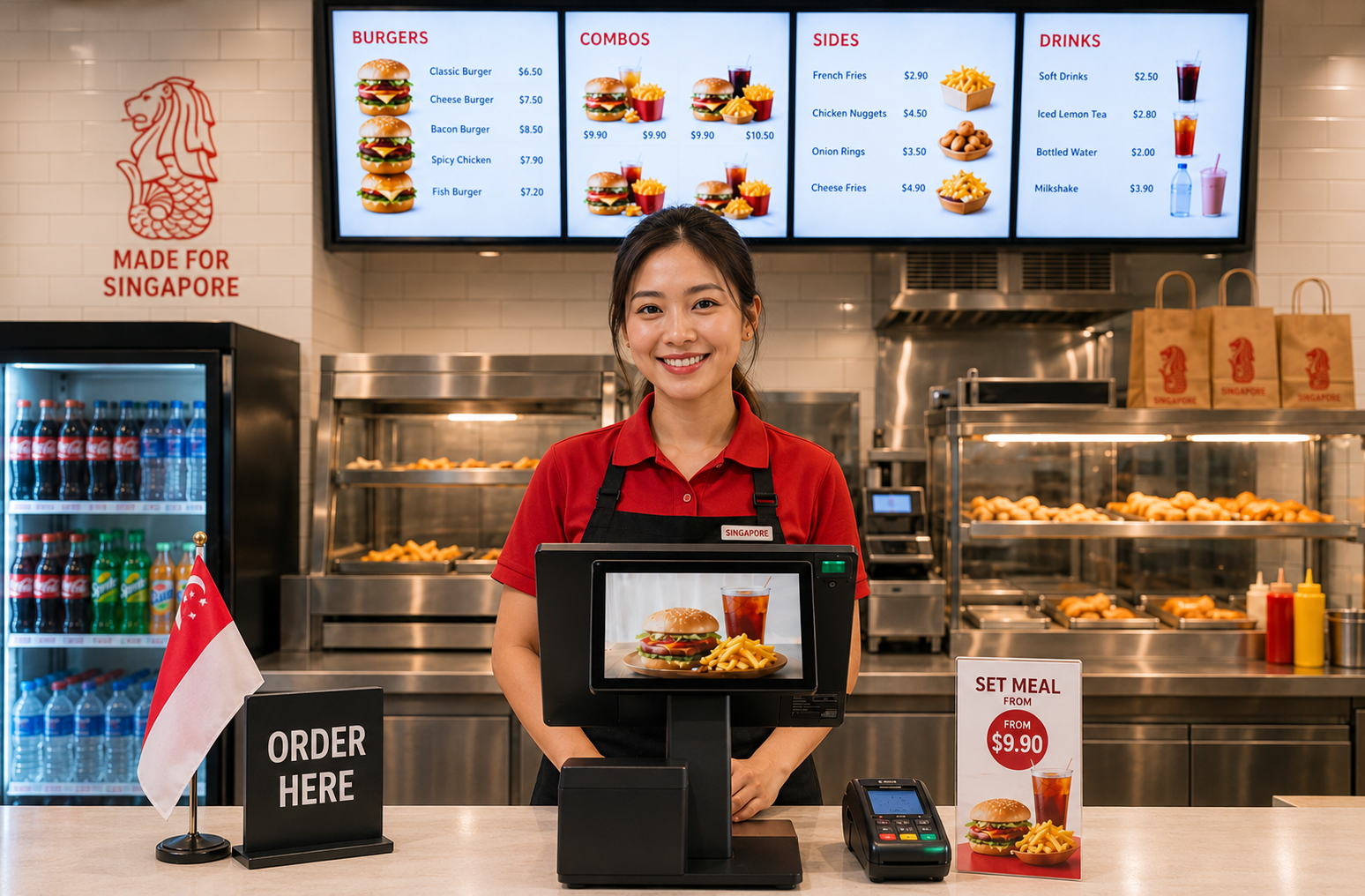
Your counter queue builds when payment takes too long. Your order errors happen when the verbal handoff from counter to kitchen breaks down. Your prep decisions are guesses because you have no record of what actually moved at peak volume.
OrderZ gives QSR and fast food operations a high-speed counter POS, integrated PayNow and NETS payments, and an automatic daily sales report — set up in one day. Start with the POS. Add kitchen display and queue management when you are ready.
QSR volume lives or dies at counter speed. When payment requires multiple steps, transaction time increases. At volume, that compounds into a queue that pushes customers away before they order.
When you are processing fifty transactions in ninety minutes, cash shortcuts happen. At close, the numbers rarely match first time. A POS that tracks every transaction automatically removes the error entirely.
Which items sold fastest in the 12–1pm window? Without item-level transaction data, restock and staffing decisions are made on gut instinct. An automatic daily report with peak-hour breakdown gives you the real numbers instead.
Select items on the POS screen. The total auto-calculates including GST. No manual arithmetic. Bill a customer in under 10 seconds regardless of queue pressure.
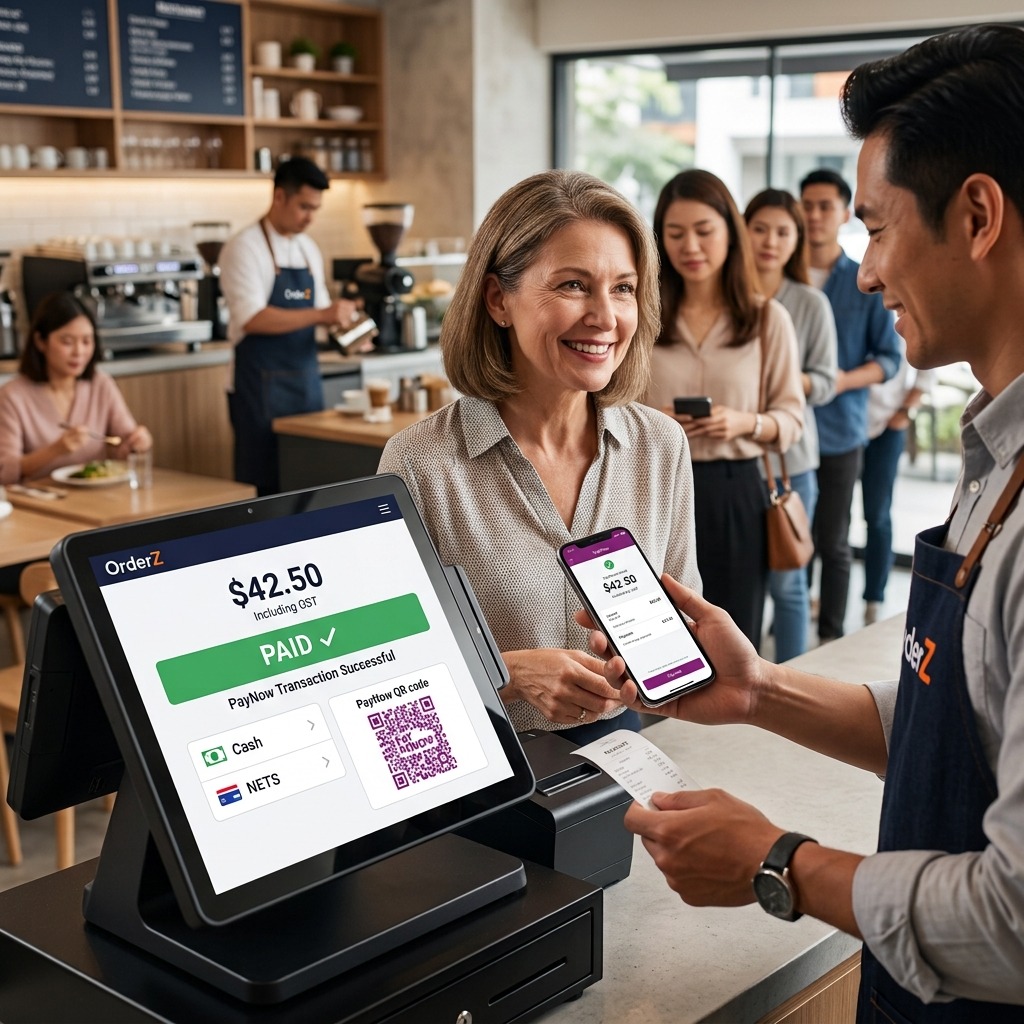
PayNow QR is displayed automatically for digital payers. Payment confirmation is recorded the moment it is made. Every transaction updates your running total in real time.
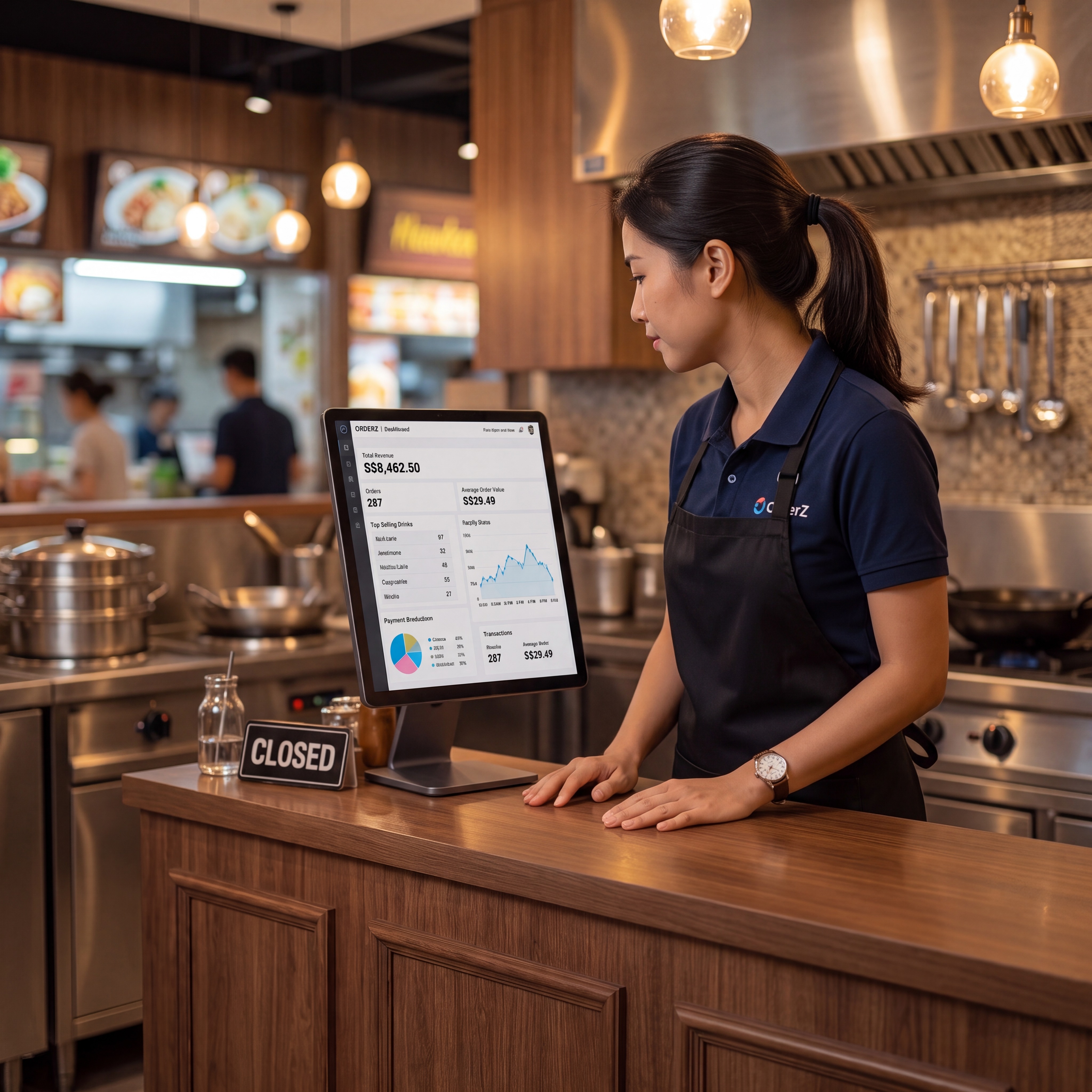
Total revenue, transaction count, top-selling items, and peak-hour volume — generated automatically at end of service. Know exactly what moved before the next shift starts.
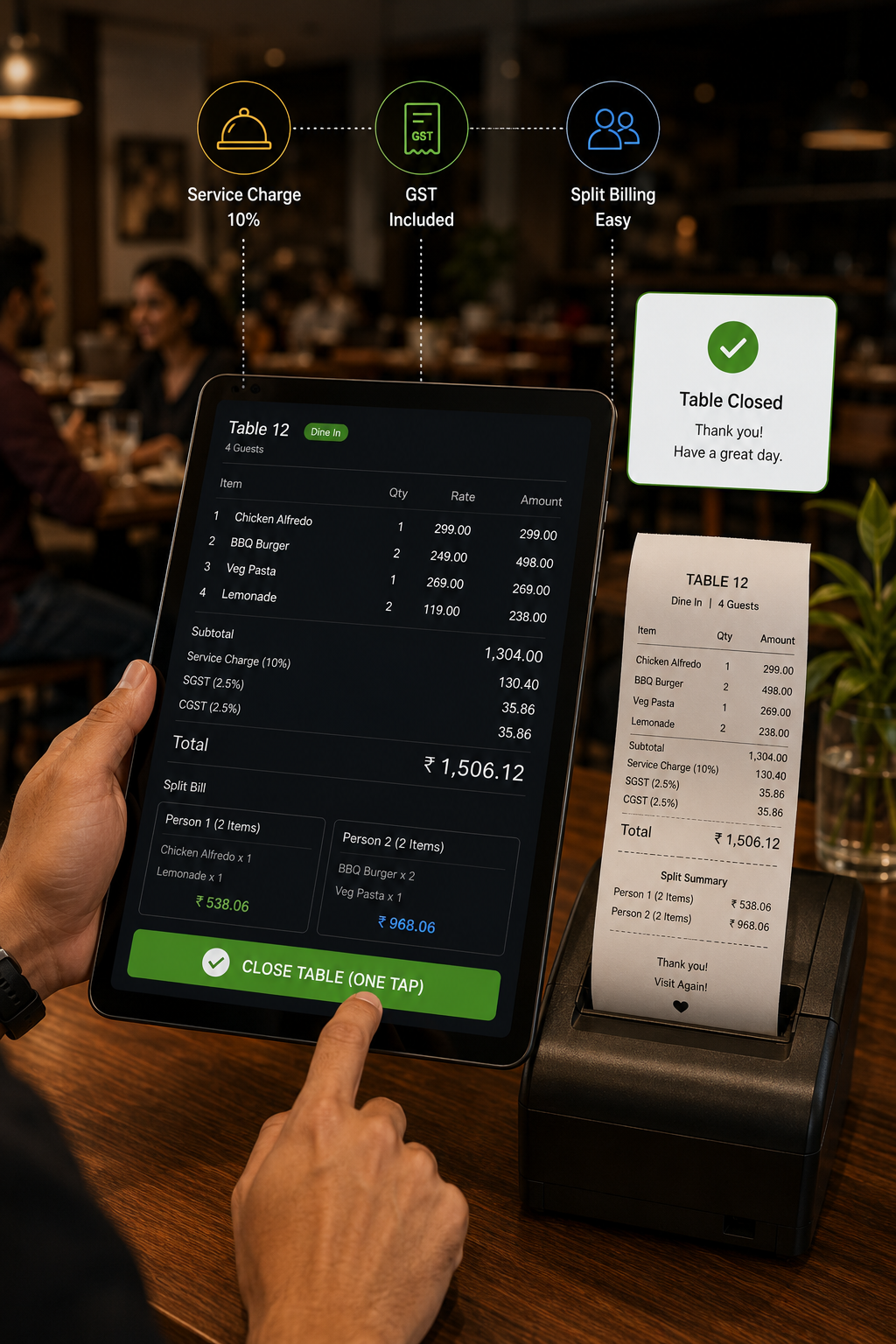
Tap-to-order POS built for peak-hour throughput. Bill a customer in under 10 seconds, regardless of queue length.
Cash, PayNow, NETS, and card accepted from one terminal, tracked automatically. No separate device to reconcile.
Revenue, transaction count, and top-selling items by time of day — generated automatically at close.
Your counter POS is the foundation. Every module below connects to the same system when you are ready — no migration, no new account, no data loss.
Counter orders appear on the kitchen screen the moment they are placed. Dine-in and takeaway separated automatically. No verbal handoff, no order errors at the pass.
Every counter order is assigned a number. When ready, it appears on the display — customer collects and clears the wait area. No verbal calling at peak volume.
Dine-in, takeaway, and delivery orders managed from one screen. No juggling between separate systems at the counter.
Running more than one QSR location? Revenue and performance across all outlets from one screen. No logging in per location.
New counter staff can learn the POS without affecting live orders or daily reports.
When billing and payment happen in one counter step, throughput increases without adding staff. The lunch rush becomes manageable at volume.
Every transaction is recorded in real time. Cash and digital payments tracked separately. The daily mismatch between your cashbox and your totals is gone.
OrderZ tells you which items moved fastest and at what times, automatically. Prep quantities and staffing levels are based on actual volume data.
Real stories. Real results. Real businesses.
Testimonials are placeholders pending written client sign-off.
Yes. OrderZ is designed for speed-first counter environments. Tap to receipt takes under 10 seconds. PayNow QR displays automatically at checkout. The interface is simplified for counter staff.
The best QSR POS bills fast, handles PayNow and NETS without a separate device, and generates an automatic peak-hour sales report. OrderZ does all three.
Most QSR outlets are live within one working day. The Singapore team handles hardware, menu loading, and on-site training.
Yes. The POS terminal continues processing transactions offline and syncs automatically when connectivity is restored. A connection drop does not stop service or lose any transaction data.
Yes. GST-compliant receipts print automatically in under two seconds for every transaction. Tax rates are configurable.
Yes. Your counter POS is the foundation. Kitchen display with order routing, token queue, unified order management, and multi-outlet dashboard all connect to the same system when you are ready.
Yes. OrderZ supports multiple outlets from one account. Revenue, transaction counts, and top items are visible across all locations from a unified dashboard.